|
|
World Wide Notary |
 |
|
eNotarize Lobbyist
Expense Reports |
North Carolina Secretary of State (NC SOS)
Announces World Wide Notary as an
Authorized Electronic Notary Solution Provider
eMail Submission of Lobbyist Expense Reports
 |
DigaSign Submission of Lobbyist Expense Reports

|
|
|
|
|
 |
DigaSign
-
Allows lobbyist expense reports to be created, signed
notarized and submitted completely electronically with
no paper generated so there are no documents to mail
and store.
-
Dates and time stamps all signing and notarization
activities.
- Meets
and exceeds UETA and ESIGN requirements.
- Serves multiple
industries with esigning and esealing
functions
for professionals such as lobbyist, notaries, architects,
geologists, surveyors, judges, clerks, etc.
- Provides notary
capabilities for corporate or individual users.
|
|
World Wide Notary has developed DigaSign, an easy-to-use, Internet service to esign and enotarize documents.
Submit monthly reports in a timely manner without the hassle of
follow-up paper submissions.
DigaSign saves you
time and money and makes your life easier!
How does DigaSign work?
- The lobbyist expense report is generated
through DigaSign where users are guided to each field to enter the information
needed for the monthly or quarterly lobbyist expense report.
- The lobbyist, report preparer or principal who need to sign off on the
expense report would personally appear before the DigaSign notary and sign
their name on the signature pad - just like it was a piece of paper.
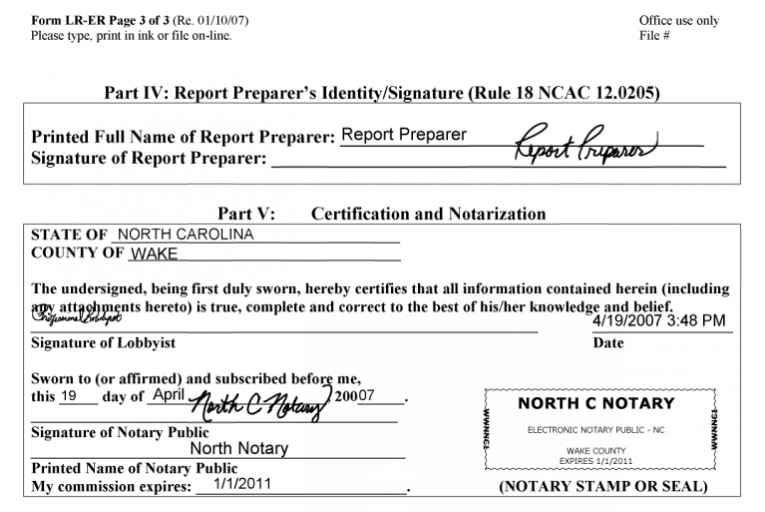
- The signer's signature and the notarial
coordinates and notary seal and signature are automatically placed in the correct locations.
- For .40¢ page, DigaSign is less than paper management when you count employee time, printer, toner, envelopes,
paper, stamps etc.
- DigaSign is purchased by the user seat.
A notary from your office would purchase DigaSign PRO for a one time cost of
$295 which includes a biometric signature pad.
How do I become an enotary in NC?
How do I purchase DigaSign?
|
|